Demos & Screenshots
Short video tours and still captures of XShell in the native Python terminal and in the browser web terminal (python main.py --web).
Keeping images in sync
Screenshots live under static/img/demo/ at the repository root. The docs build serves copies from docs-site/static/img/demo/. After you add or rename files in the root folder, sync the docs tree:
cp static/img/demo/*.png docs-site/static/img/demo/
Video walkthroughs
| Mode | Demo |
|---|---|
Native shell (terminal UI, themes, plugins, python main.py) | Watch on YouTube |
Web terminal (Flask + Socket.IO, python main.py --web) | Watch on YouTube |
Direct links: Native — youtu.be/XHgtwIJJVFs · Web — youtu.be/LNP0p5zTUro
Screenshot gallery
Files use descriptive names under static/img/demo/ (mirrored at /img/demo/ on this site). Captures were taken 11 May 2026; order is chronological (native session first, then web UI).
Native terminal (python main.py)
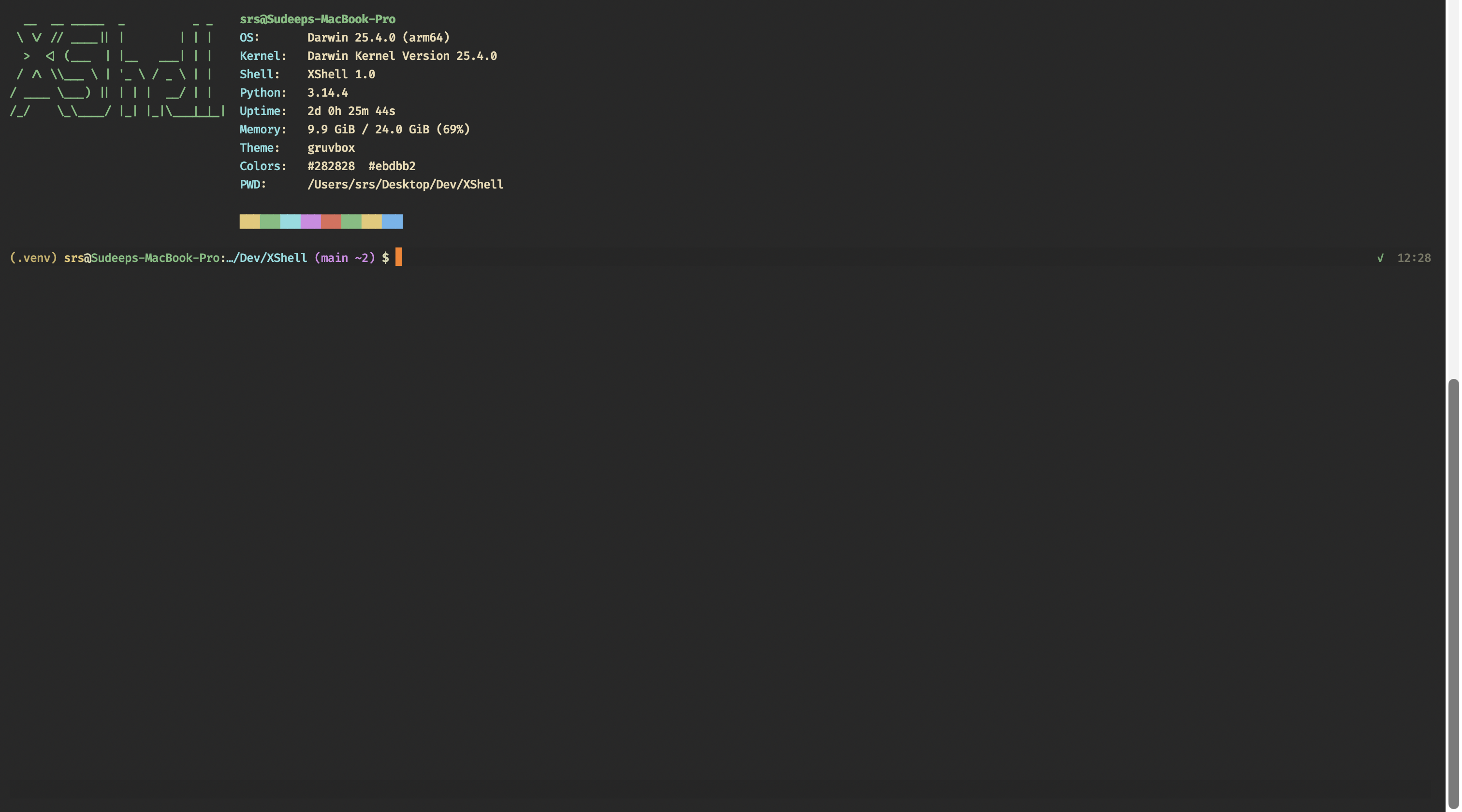
neofetch (Gruvbox)
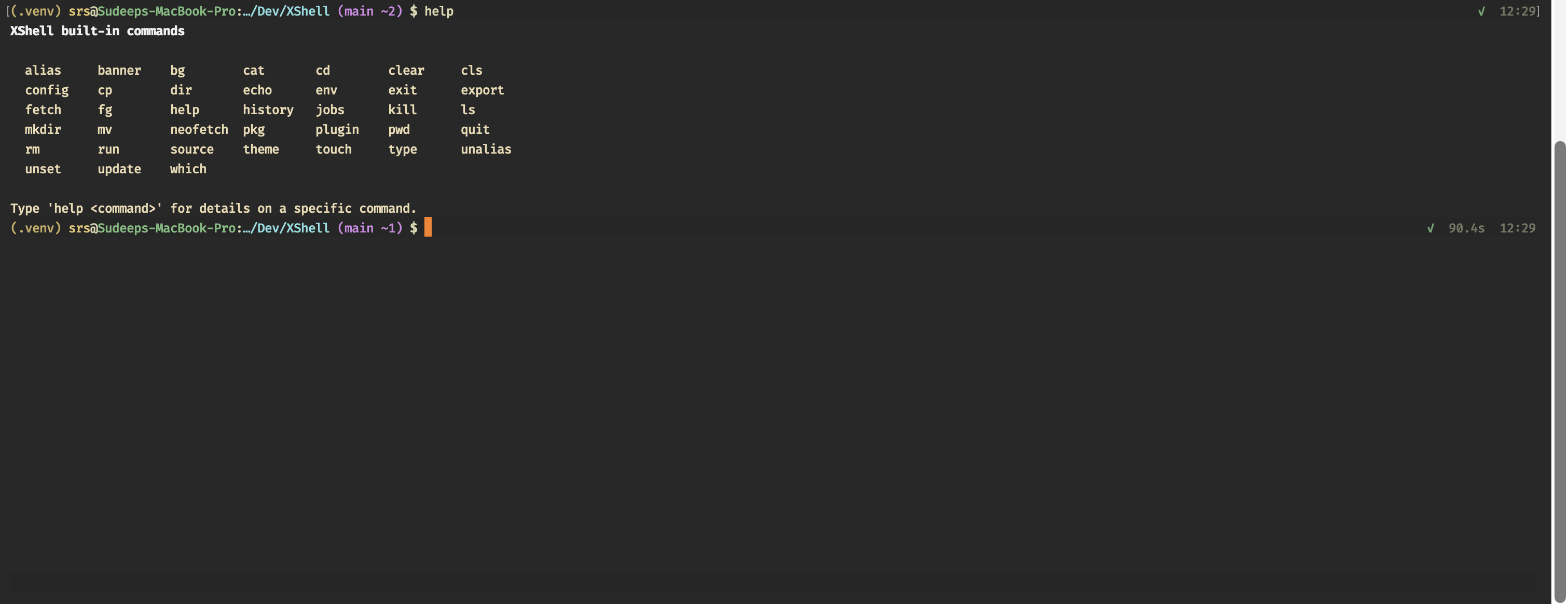
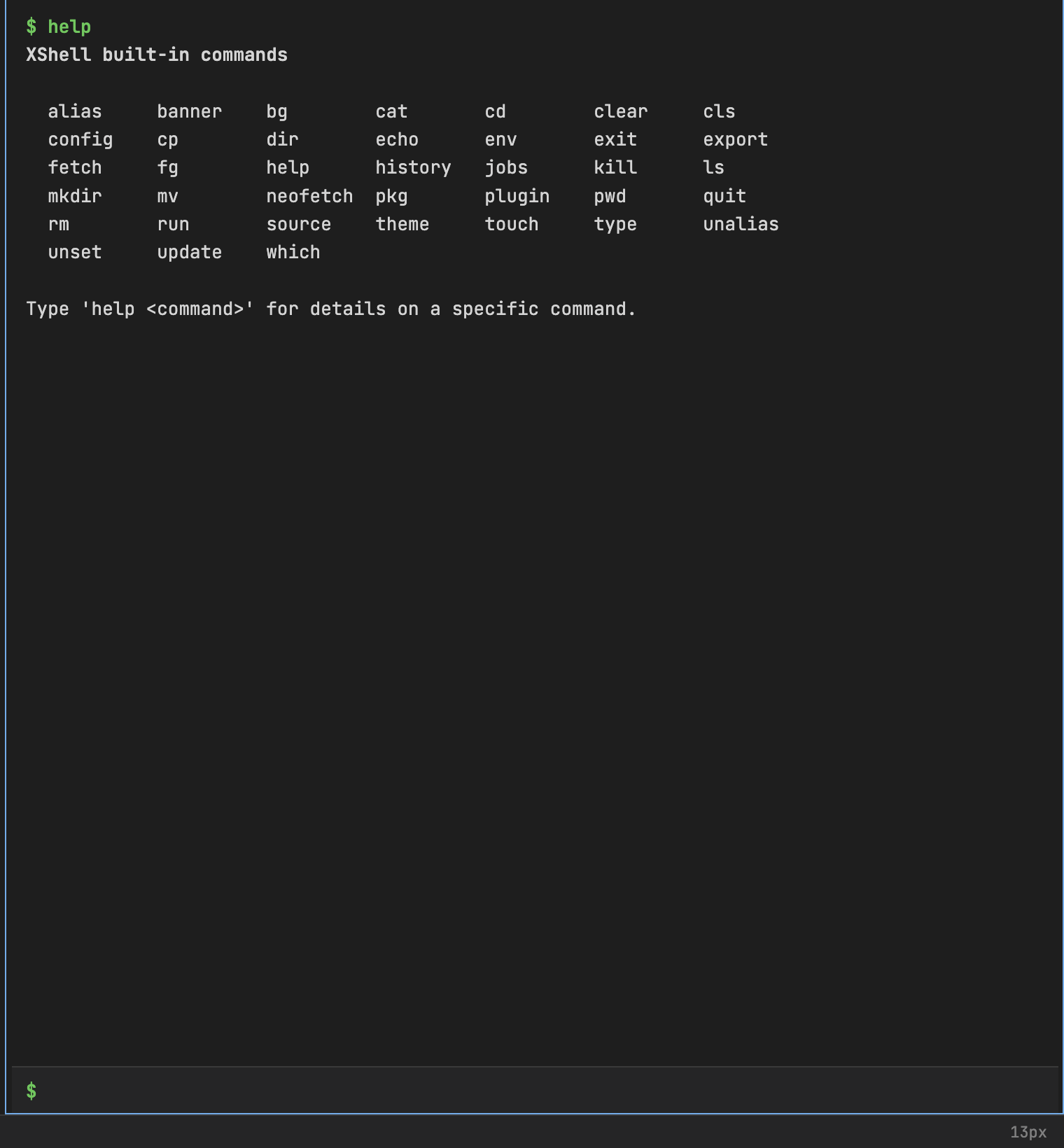
help — built-in command list
banner and rm

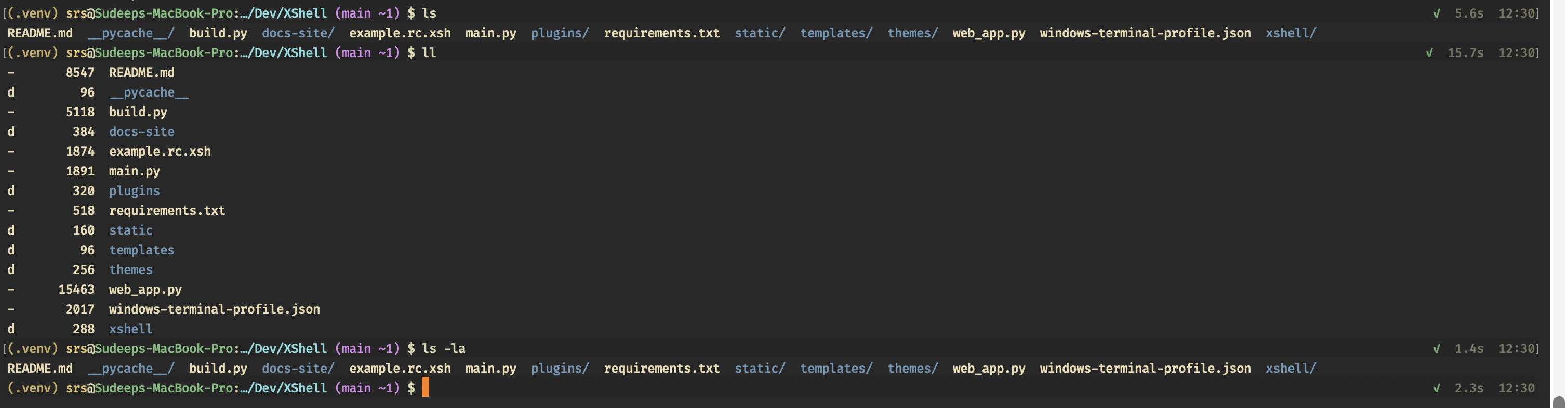
ls, ll, and ls -la
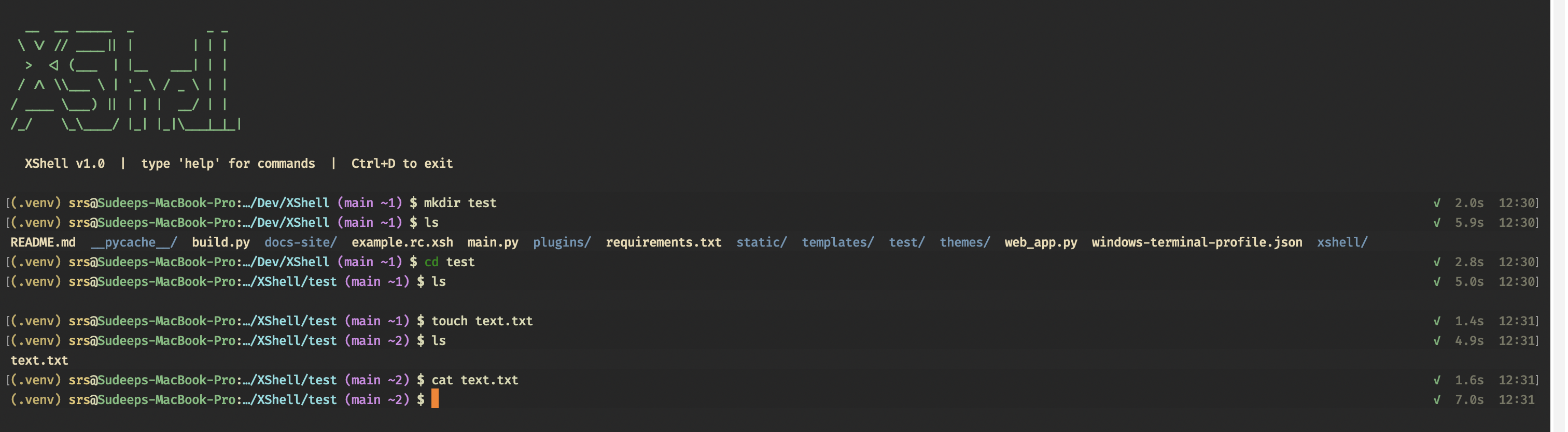
Files: mkdir, cd, touch, cat
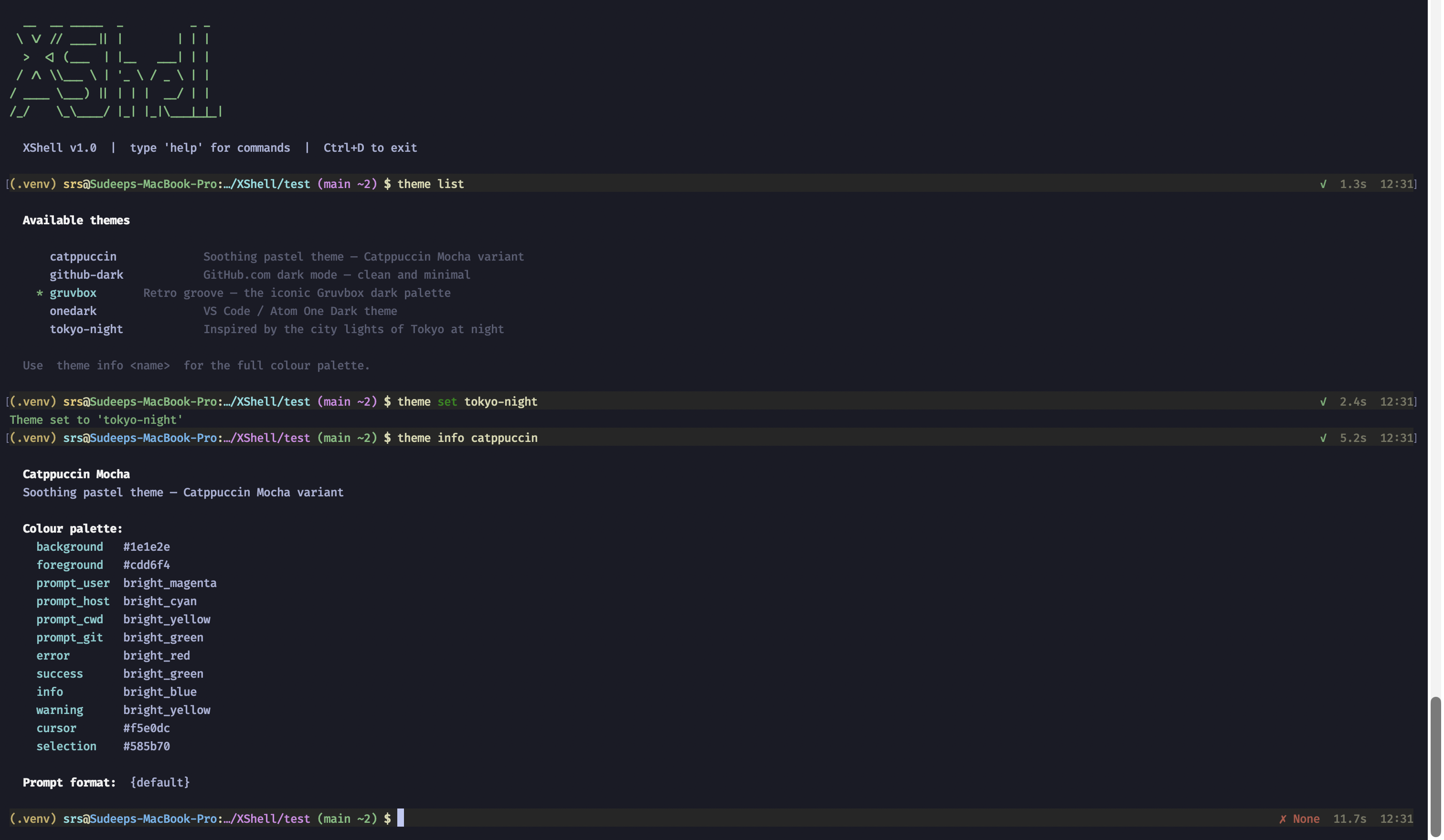
Themes: theme list, theme set, theme info
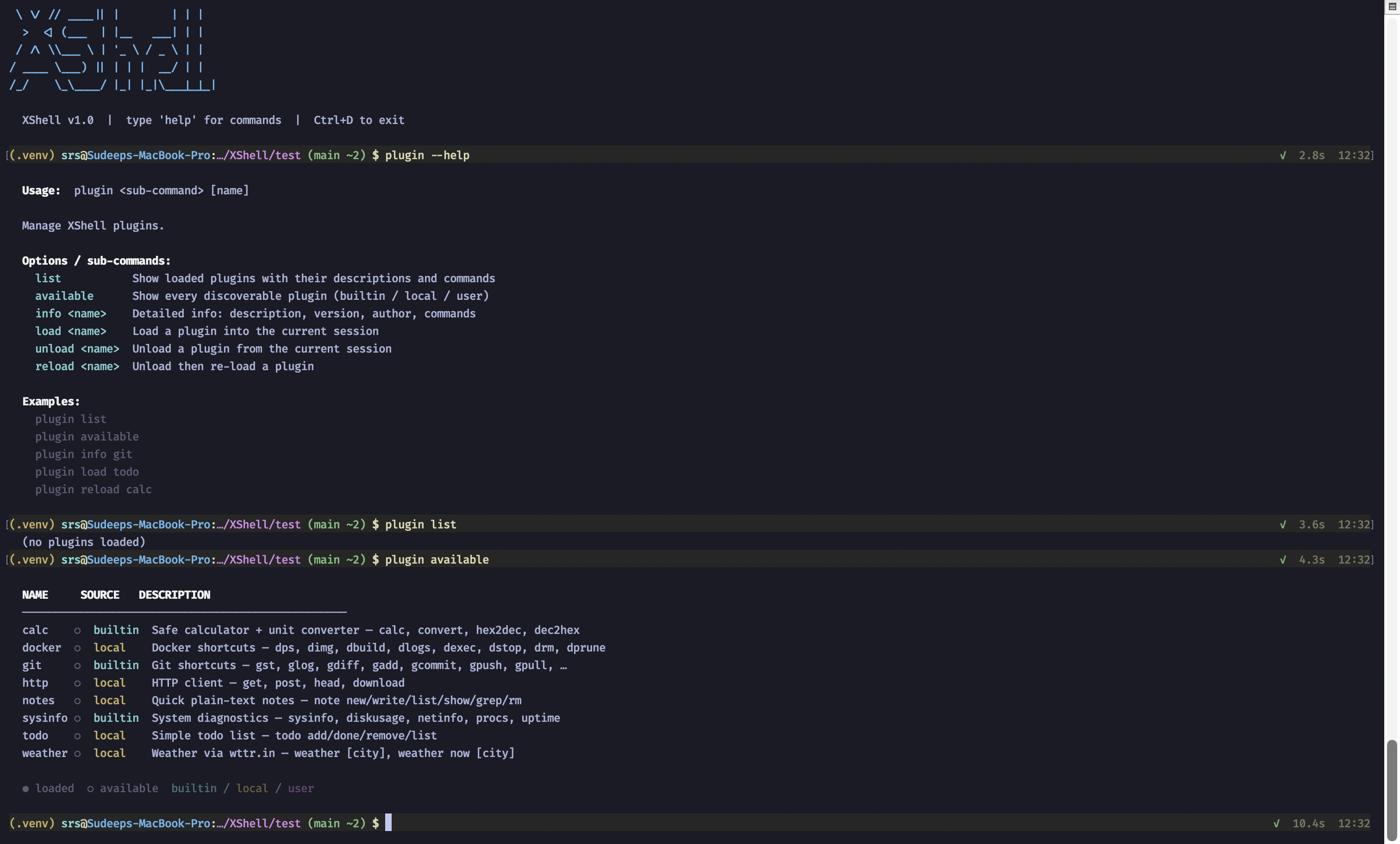
Plugins: plugin help, plugin list, plugin available
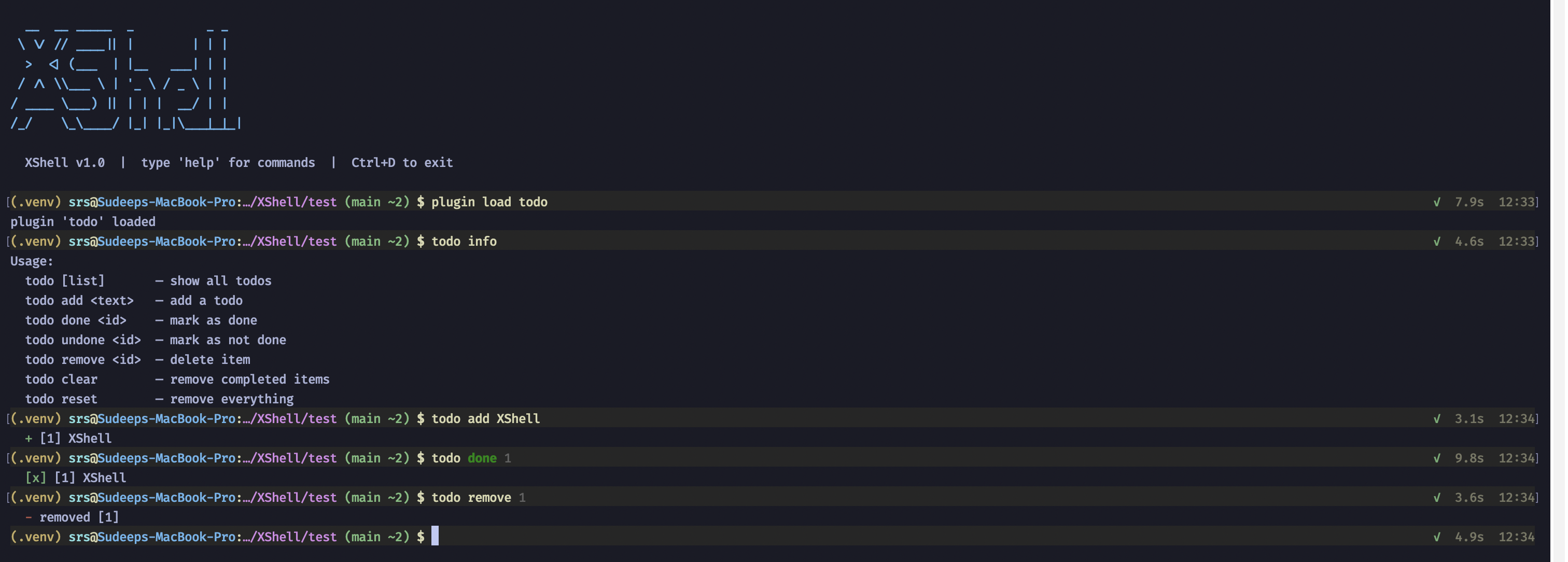
Todo plugin: plugin load todo, todo commands
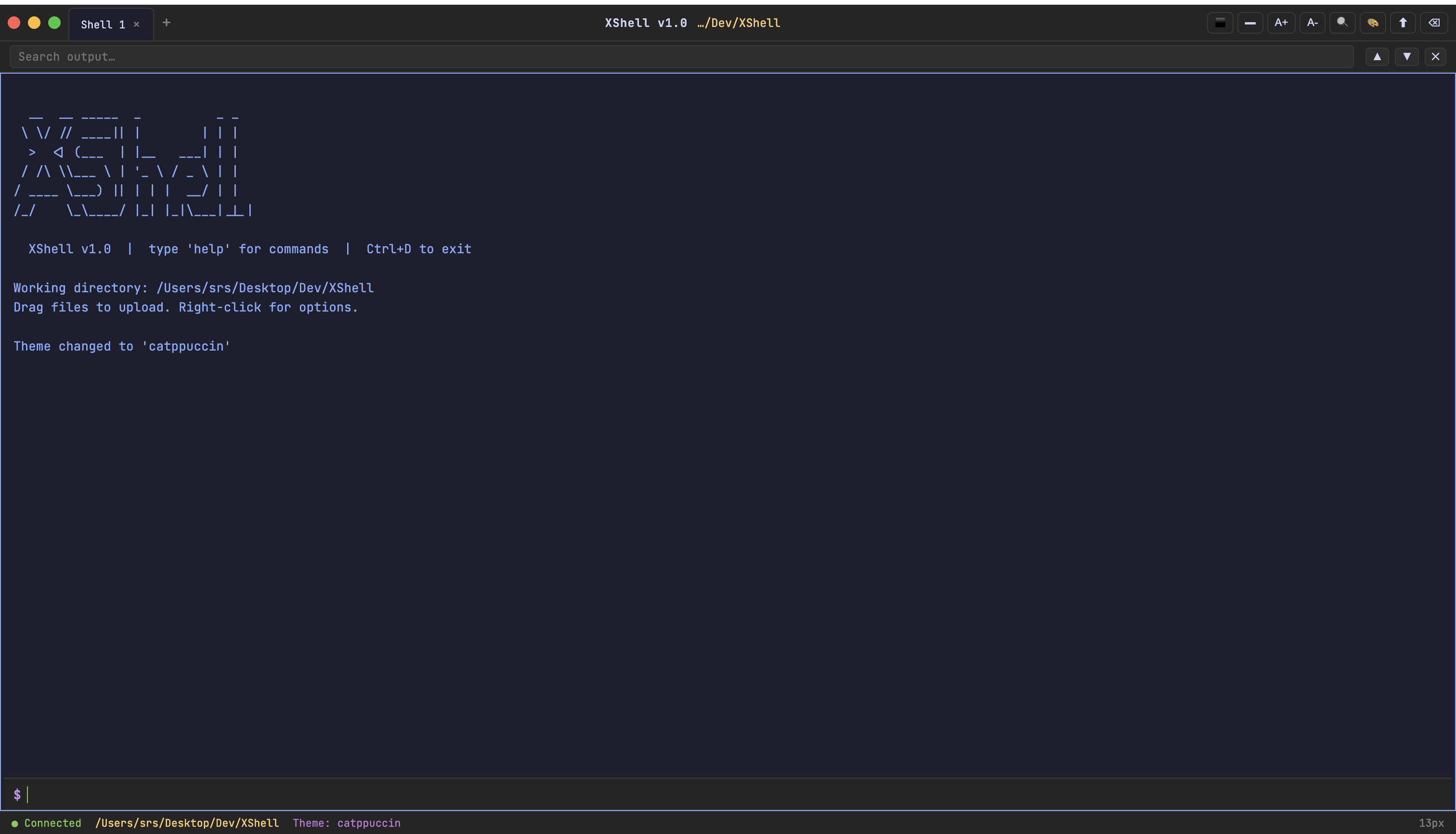
Web terminal (python main.py --web)
Startup banner (Catppuccin)
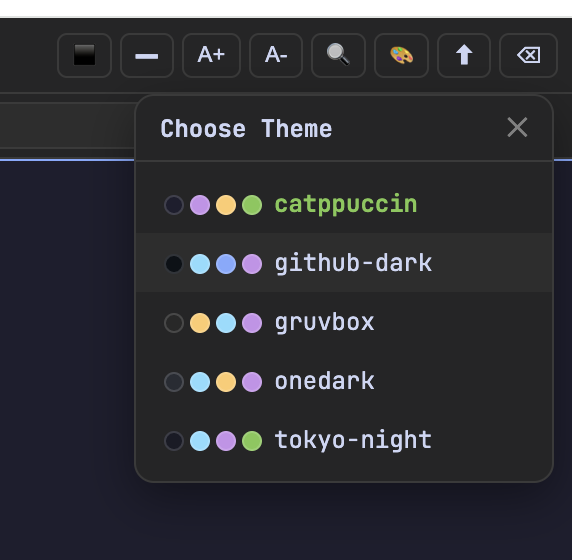
Theme picker
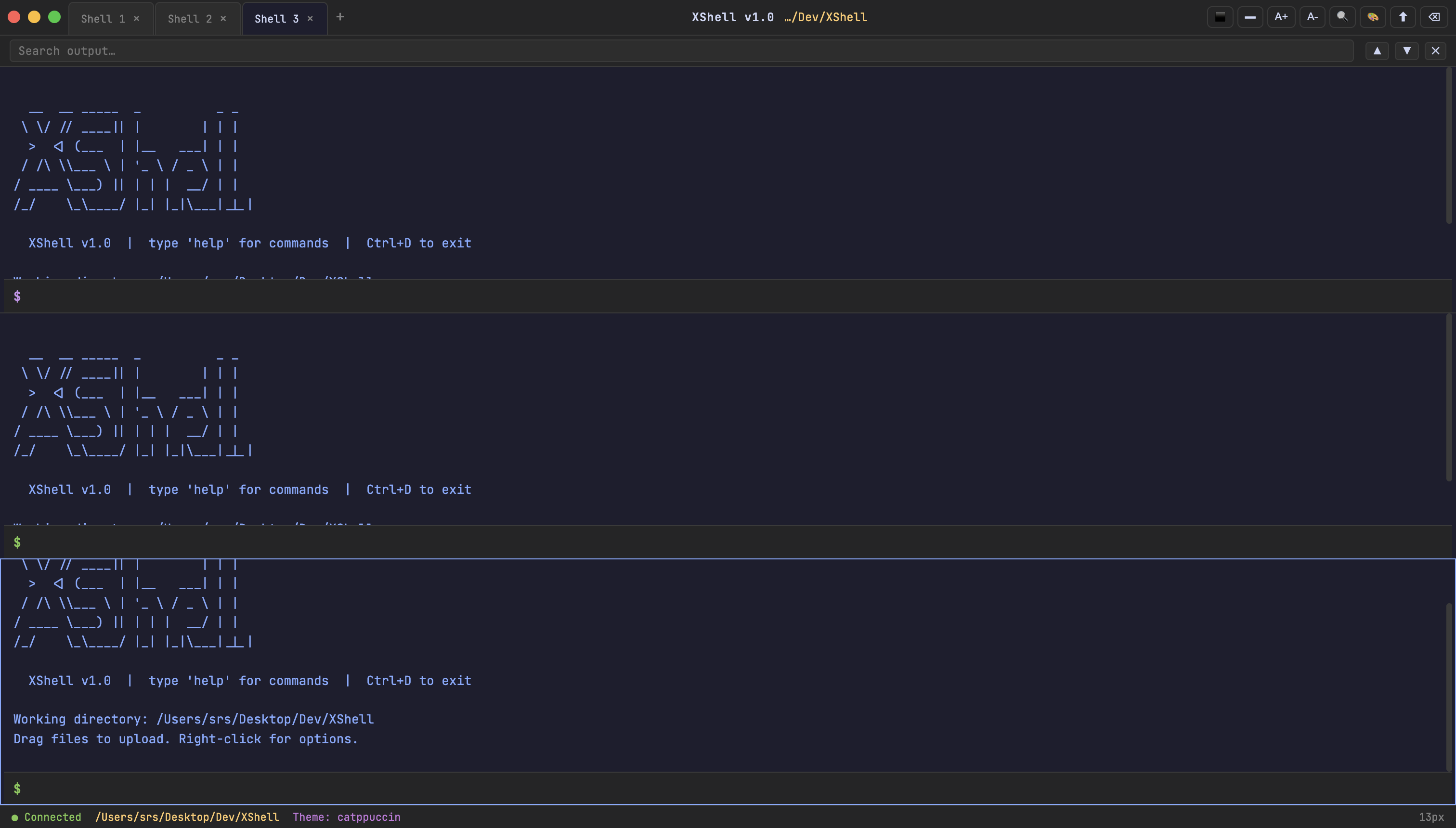
Multiple tabs
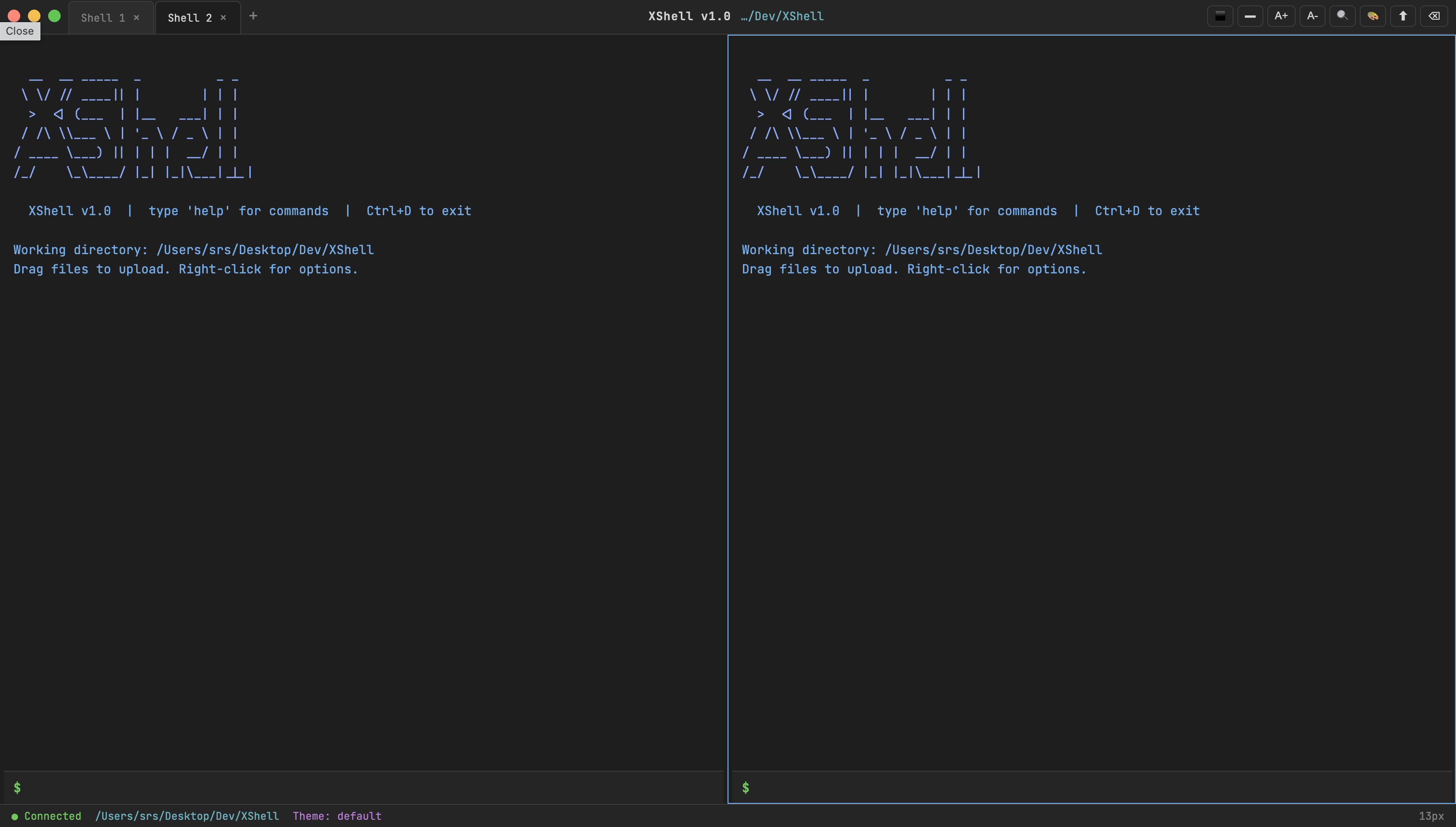
Split panes
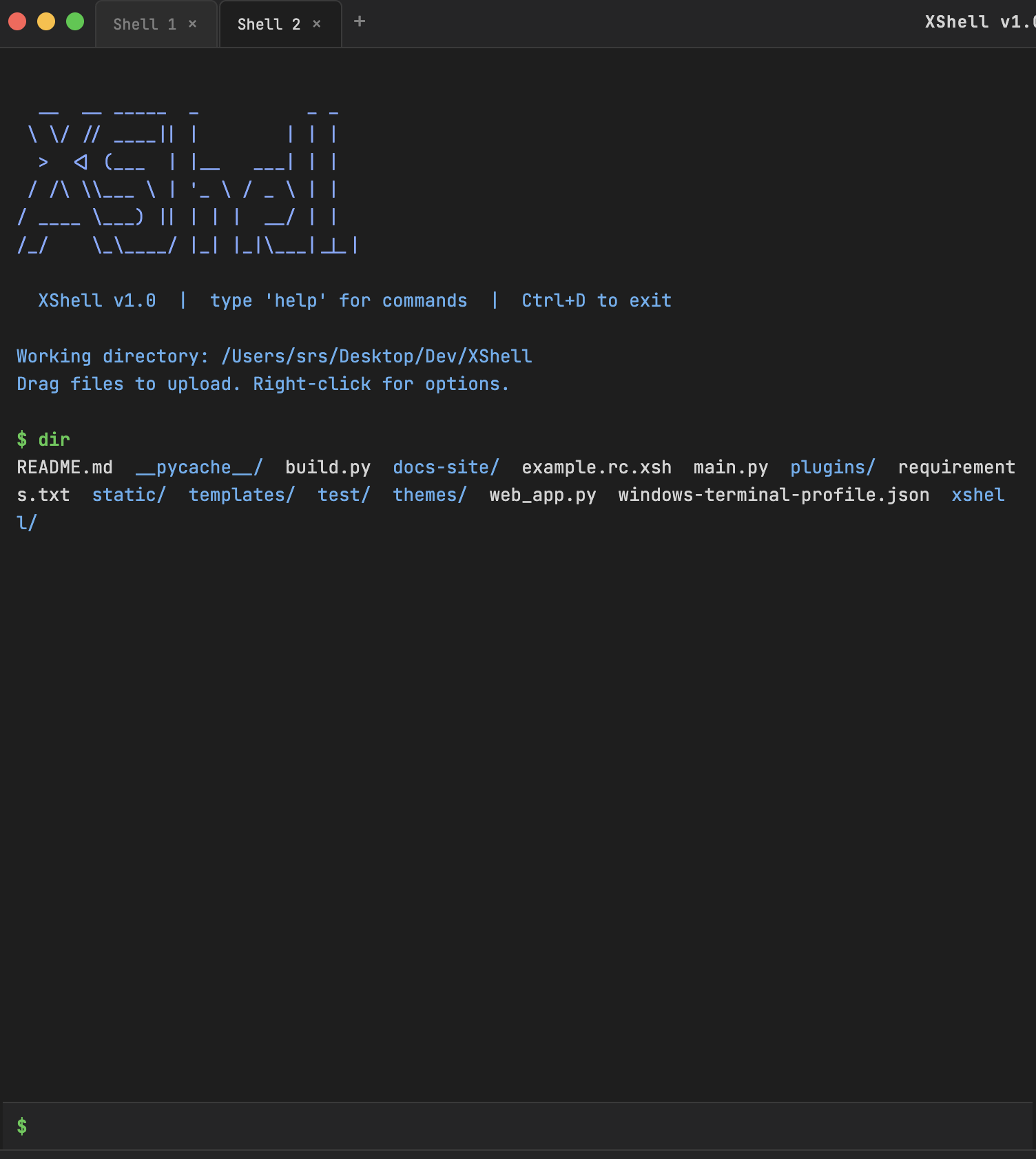
dir — project listing
help — built-in command list
See also
- Getting started — first session in the native shell
- Web terminal — browser UI, architecture, and shortcuts
- GitHub releases — downloadable builds